Log Into Your play666 Account
Your play666 account opens on any device — phone, tablet or browser — with a mobile number and OTP, so you are back in the lobby within seconds. Access is subject to your local law and eligible regions in Bangladesh.
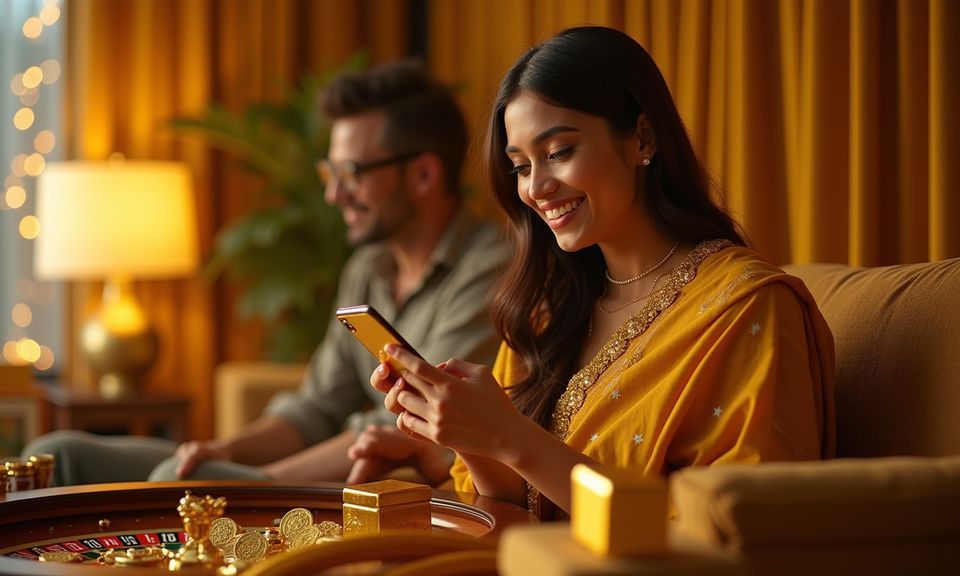
What to Expect When You Log In
Entering your registered mobile number on the login screen triggers a one-time password sent directly to your phone. Enter the OTP within the window shown and the lobby opens immediately. If you are a new account holder, registration takes the same path — mobile number, OTP confirmation, then your wallet preference (bKash, Nagad or Rocket)
is saved against the account for future deposits and withdrawals. For returning accounts, your game history, wallet balance and preferences carry across devices, so switching from a phone to a desktop browser does not reset your session state. If you have forgotten your number or face an OTP delay, the account help path is accessible
from the same login screen without needing to contact support first.
-
OTP Verification Every login uses a one-time password sent to your registered mobile number, keeping your account access controlled and your session secure on any device.
-
Wallet Continuity Your linked bKash, Nagad or Rocket wallet stays attached to your account across sessions, so your deposit method is ready each time you return without re-entering details.
-
Device Continuity Account state — balance, game history, active rounds — carries from your phone to browser seamlessly. No re-login needed when switching between devices on the same session.
-
Account Help on Screen Forgot your number or locked out? The recovery path sits directly on the login screen, so you can restore access without waiting for a support agent to intervene.
Account
Entering your registered mobile number on the login screen triggers a one-time password sent directly to your phone. Enter the OTP within the window shown and the lobby opens immediately. If you are a new account holder, registration takes the same path — mobile number, OTP confirmation, then your wallet preference (bKash, Nagad or Rocket) is saved against the account for future deposits and withdrawals. For returning accounts, your game history, wallet balance and preferences carry across devices, so switching from a phone to a desktop browser does not reset your session state.
Open Your AccountYour details are encrypted for secure account access.
Deposit and Withdraw via Local Wallets
Once you are logged in, your account wallet connects to bKash, Nagad and Rocket — the three local rails most Bangladesh account holders already use daily. Open your bKash or Nagad app, send to the account number shown in the deposit screen, confirm with your PIN, and the balance reflects in your play666 wallet. Withdrawal requests follow a similar path: enter the amount, select your wallet, and the funds route back to the same number. Upay and Bank Transfer are also available for accounts that prefer them. Availability depends on your local law and eligible regions.
How We Protect Your Login
Account security on play666 runs through several layers that apply from the moment you enter your mobile number. OTP-based login means no static password is stored or exposed. SSL encryption covers the data exchanged between your device and our servers during every login session. Identity checks at withdrawal stage ensure that funds leave to the same verified wallet used for deposits — not a third-party account. Your personal data is handled under our privacy policy and never shared outside the platform's own operations.
SSL Encryption
All data between your phone and our servers — login credentials, wallet details, session tokens — travels through SSL encryption so nothing is exposed in transit.
OTP-Only Access
We do not store a static password for your account. Every login generates a new one-time code, so even if your number is known to others, access still requires your device.
Withdrawal Identity Check
Before any withdrawal clears, we verify that the destination wallet — bKash, Nagad or Rocket — matches the account holder's registered number. Funds do not move to unverified accounts.
Data Privacy
Your account data, transaction history and linked wallet numbers stay within play666's platform. We do not sell or pass personal data to outside parties outside our stated policy.
Common Login Questions
Here are the questions we hear most from Bangladesh account holders about logging in, recovering access, and managing their account across devices. If your question is not covered here, the live chat on the login screen is the fastest path to an answer.
play666 Login
Service availability depends on eligible regions and local law. Users should check local rules before opening an account.
Access may be available only where local law permits.